

Ubuntu下RsaCtfTool的安装及使用
作者:媒体转发 时间:2018-10-06 09:20
字号
在CTF比赛中,往往会涉及到RSA解密类的题目,有了这个工具(基于python2.x)做起来就得心应手了。


在下载前建议把ubuntu源设置为aliyun,速度谁用谁知道。
使用命令行:
git clone https://github.com/Ganapati/RsaCtfTool.git或者去github下载zip包解压:

安装python第三方库
pip install -r requirements.txt其实是这4个(PyCrypto,GMPY2,SymPy,requests) python库,在安装GMPY2,SymPY的时候会报错,因为有些环境还要下载:
mpfr,The MPFR library is a C library for multiple-precision floating-point computations with correct rounding.
v=4.0.1wget http://${v}.tar.bz2 tar -jxvf mpfr-${v}.tar.bz2 && cd mpfr-${v} ./configuremake && make check && make install下载编译大概要10多分钟:
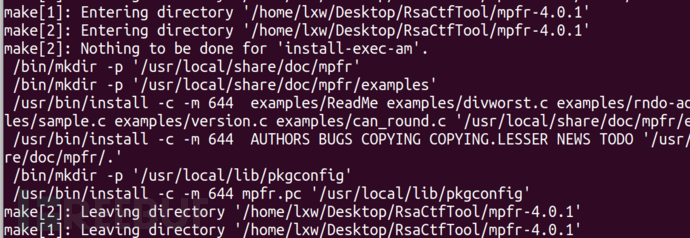
接下来下载MPC:
v=1.1.0wget ftp://ftp.gnu.org/gnu/mpc/mpc-${v}.tar.gz tar -zxvf mpc-${v}.tar.gz && cd mpc-${v} ./configuremake && make check && make install
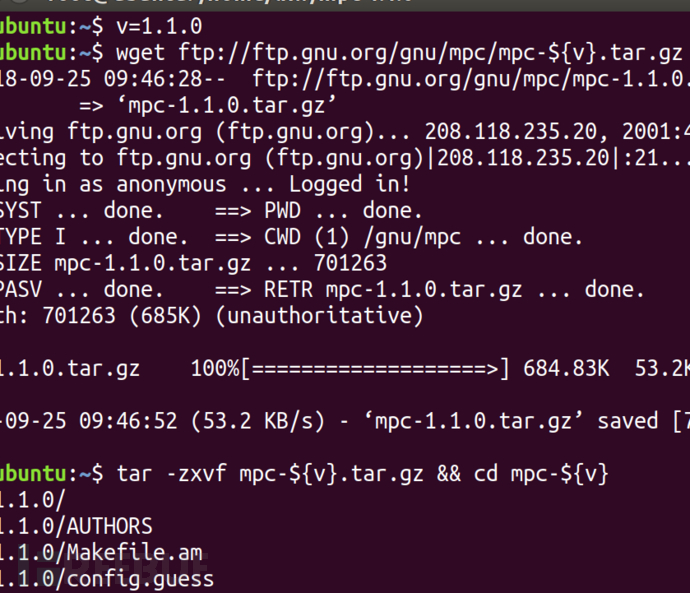
configure: error: libmpfr not found or uses a different ABI (including static vs shared)
大概也是10分钟左右。
参考:https://www.cnblogs.com/pcat/p/5746821.html
这时可以再次进入CtfRsaTool目录,再次运行pip install -r requirements.txt,就能成功安装python第三方依赖了。

使用python RsaCtfTool.py去执行,如果./RsaCtfTool.py执行会报Crypto库不存在。
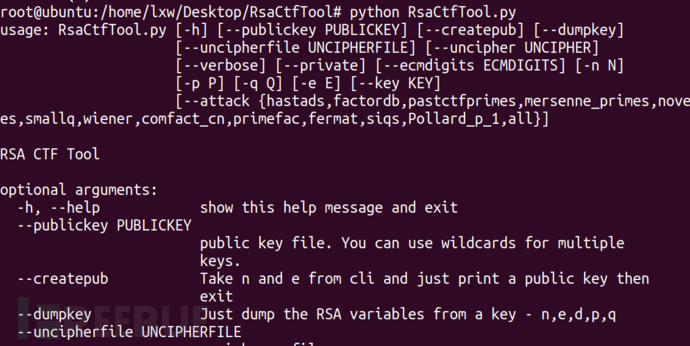
这里有一道rsa的ctf题目:https://pan.baidu.com/s/1-LenHQbB9MJ30HhrScYLcQ
将文件解压复制到RsaCtfTool里:
python RsaCtfTool.py --publickey 公钥文件 --uncipherfile 加密的文件

责任编辑:CQITer新闻报料:400-888-8888 本站原创,未经授权不得转载
继续阅读



;)
做起来就得心应手了。01 安装在下载前建');)
;)
做起来就得心应手了。01 安装在下载前建');)